The Developer
Power BI Themes, Design Systems, and JSON Templates: The Complete Guide for Modern Reporting
A deep, practical guide to Power BI themes, JSON-based design systems, and reusable templates that future-proof your dashboards across Copilot, Fabric, and enterprise reporting.

Power BI Themes, Design Systems, and JSON Templates: The Complete Guide
Power BI has evolved from a self-service BI tool into the visual layer of the Microsoft Fabric analytics platform, and design consistency now matters as much as data modeling for serious teams.
This guide explains how to use Power BI themes, JSON-based design systems, and reusable templates to build scalable, on-brand reporting that works across enterprise, executive, and self-service scenarios.
Why themes and design systems matter in Power BI
As organizations roll out more Fabric workspaces, the number of reports and dashboards grows quickly, and visual inconsistency becomes a real governance and UX problem.
A well-defined Power BI design system built on JSON themes lets teams standardize colors, typography, visual styles, and layouts, so every new report feels coherent without manual styling.
Common pain points themes can solve
- Different report authors use conflicting color palettes, fonts, and visual shapes, which confuses end users and weakens brand perception. [web:8][web:52]
- Teams manually restyle every visual, which slows delivery and makes it hard to update hundreds of existing reports when the brand or layout rules change.
- There is no single source of truth for dashboard UX, so best practices live in slide decks, videos, or tribal knowledge instead of being enforced in the product.
Power BI themes and JSON: how they work
Power BI report themes are JSON files that control the appearance of a report, including color palettes, text styles, and visual formatting for individual visuals like bar charts, tables, and maps.
The theme engine relies on a published JSON schema that defines hundreds of optional properties, allowing advanced teams to treat visual design as configurable metadata instead of manual formatting.
Core building blocks of a theme JSON
- name defines the human-readable theme name that appears in Power BI Desktop and can be reused across reports. [web:26]
- Global settings control base colors, fonts, and backgrounds, while visual styles define default formatting for each native visual such as bar charts, matrices, and KPIs. [web:26][web:29]
- Structural and UI colors configure selection states, gridlines, labels, headers, and other elements that impact how users navigate complex reports.
{
  "name": "Contoso Executive Theme",
  "dataColors": [
    "#004578",
    "#0078D4",
    "#00BCF2",
    "#41D3BD",
    "#EF6950",
    "#FFB900"
  ],
  "background": "#FFFFFF",
  "foreground": "#252423",
  "tableAccent": "#0078D4",
  "textClasses": {
    "title": { "fontSize": 18, "fontFamily": "Segoe UI Semibold" },
    "header": { "fontSize": 14, "fontFamily": "Segoe UI Semibold" },
    "label": { "fontSize": 12, "fontFamily": "Segoe UI" }
  }
}
This minimal example shows how a single JSON file can encode palette, base colors, and typography rules that automatically apply to all visuals in a report. [web:26][web:32]
Design systems for Power BI dashboards
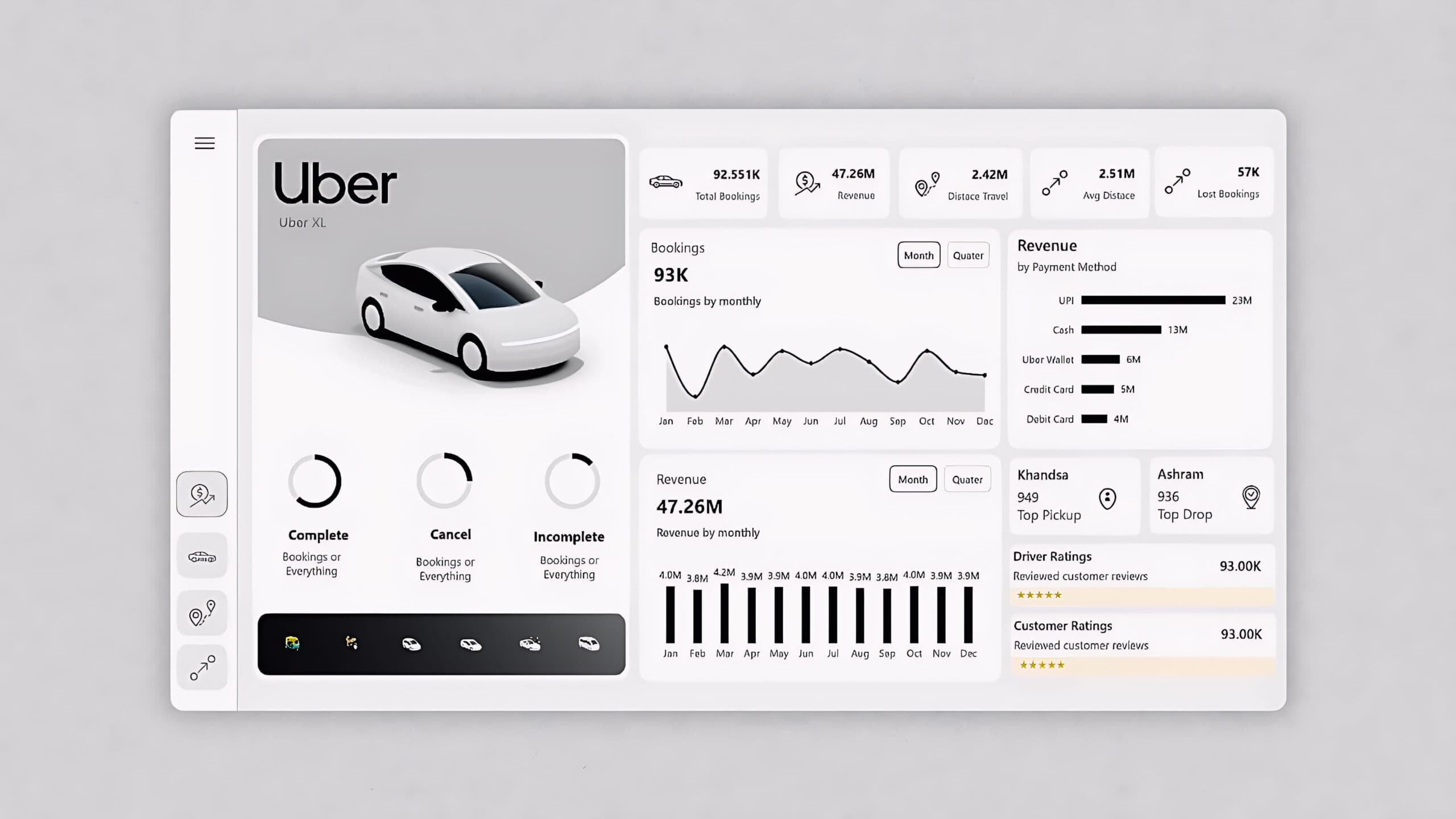
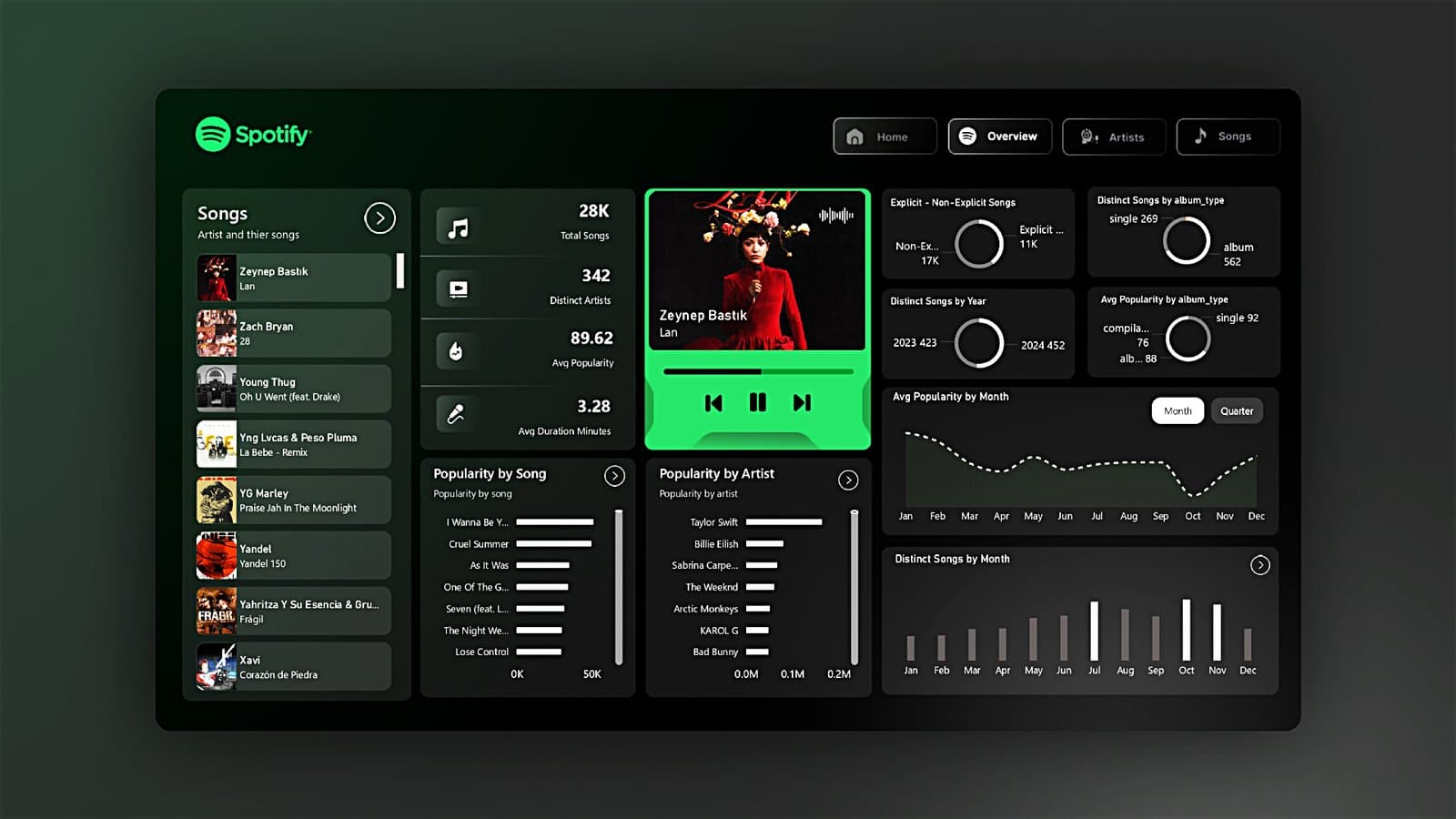
A Power BI design system goes beyond a theme file by documenting layout patterns, visual choices, and interaction rules for different dashboard types such as executive, operational, and analytical views.
Mature teams use style guides and templates to standardize navigation, KPIs, filters, and help content, so new dashboards are faster to build and easier for business users to interpret.
What a Power BI style guide should include
- Brand colors, typography, logos, and spacing rules that define how every report should look and feel. [web:47][web:52]
- Component-level patterns for KPIs, cards, slicers, navigation bars, tooltips, and explanatory text blocks.
- Layout templates for common scenarios like executive scorecards, sales funnels, financial statements, and self-service analytical pages.
A good style guide shows designers how to build dashboards and a theme JSON file makes the rules enforceable at scale.
Using theme generators and JSON tooling
Hand-writing theme JSON can be error-prone because the schema is large, so many teams rely on specialized generators and helper tools to accelerate theme creation.
Modern theme generators provide visual color pickers, live dashboard previews, and one-click JSON export, allowing designers to iterate without deep knowledge of the underlying schema.
Popular approaches to generating JSON themes
- Online theme generators like BIBB and POINT let you choose brand colors, fonts, and visual options, then export valid Power BI theme JSON files. [web:40][web:41][web:43]
- Open-source repositories provide per-visual JSON snippets that can be combined into a master theme, useful for teams that want precise control. [web:29]
- Design workflows often start from a UI mockup and then translate final color and spacing decisions into a theme file for developers to apply.
// Example: extending a base theme with visual styles
{
  "name": "Sales Analytics Theme",
  "parent": "Contoso Executive Theme",
  "visualStyles": {
    "barChart": {
      "*": {
        "dataLabels": [{ "show": true, "fontSize": 11 }],
        "legend": [{ "show": true, "position": "Top" }],
        "categoryAxis": [{ "gridlines": { "show": false } }]
      }
    },
    "card": {
      "*": {
        "category": [{ "fontSize": 11 }],
        "label": [{ "fontSize": 20 }]
      }
    }
  }
}
This pattern shows how a base theme can be extended with opinionated visual styles for sales analytics, creating a reusable building block for multiple PBIX templates.
From themes to reusable PBIX templates
Power BI template apps and report templates allow partners to package prebuilt dashboards, models, and themes so customers can connect their own data and get instant insights.
The Power BI Apps marketplace and third-party template stores now offer templates for sales, finance, e-commerce, marketing, and executive reporting, reflecting strong demand for ready-made PBIX assets.
High-value template categories
- Sales performance, pipeline, and CRM dashboards for tools like Salesforce, HubSpot, and Pipedrive.
- Finance, project management, and executive KPI scorecards designed for board reporting and recurring reviews.]
- E-commerce, web analytics, and marketing funnel dashboards for Shopify and multi-channel campaigns.
Designing for Copilot and Fabric-era Power BI
Copilot now assists with visual creation, DAX, and narrative summaries, and its effectiveness depends heavily on well-structured, semantically clear models and consistent report layouts.
As Fabric unifies data engineering, warehousing, and real-time analytics, Power BI becomes the primary experience layer, so themes and templates must be robust enough to support larger, more complex solutions.
Copilot-aware design and naming practices
- Use clear, business-friendly table, column, and measure names, so Copilot prompts generate accurate visuals and narrative summaries. [web:22][web:25]
- Structure report pages with obvious focus areas and logical navigation, which helps AI-generated descriptions align with user expectations. [web:1][web:5][web:8]
- Leverage new Copilot features such as verified answers and filtered report summaries by curating common questions and organizing KPIs by theme.
Practical workflow: from brand to JSON to PBIX
A repeatable workflow helps teams translate brand guidelines into living Power BI assets that can be reused across workspaces and solutions.
The following steps combine design discovery, JSON tooling, and template packaging into a single, scalable process suitable for enterprise and consulting teams.
Step-by-step implementation process
- Gather brand assets and UX requirements from marketing, analytics leads, and key report consumers to define colors, typography, and layout expectations. [web:47][web:52]
- Create a base JSON theme using a generator or schema reference and validate it in Power BI Desktop through the theme import dialog. [web:26][web:40][web:43]
- Build a PBIX style template with navigation, placeholder KPIs, filters, help text, and empty visuals that demonstrate the design system. [web:11][web:50]
- Test the template with real datasets for sales, finance, and operations, measuring usability and performance with representative users.
- Package finalized designs as internal templates or template apps and document usage rules in a written style guide and short video walkthroughs.
Essential JSON patterns for advanced scenarios
Advanced Power BI teams often need more than basic palettes and fonts, especially when building executive and enterprise-ready reports.
The theme schema supports fine-grained control over visual states, conditional colors, and object-level styles that can encode complex design rules once and reuse them across templates.
Example: table and matrix styling for finance reports
{
  "visualStyles": {
    "tableEx": {
      "*": {
        "grid": [{ "gridVertical": false, "gridHorizontal": true }],
        "rowHeaders": [{ "fontSize": 11, "fontFamily": "Segoe UI" }],
        "columnHeaders": [{
          "fontSize": 12,
          "fontFamily": "Segoe UI Semibold",
          "background": "#F3F2F1"
        }]
      }
    },
    "matrix": {
      "*": {
        "subtotals": [{ "fontStyle": "Italic", "fontWeight": "Bold" }],
        "values": [{ "fontSize": 11 }]
      }
    }
  }
}
This JSON snippet demonstrates how finance teams can standardize header styling, gridlines, and subtotals to make tabular reports more legible and audit-friendly.
Connecting design systems to DAX and measures
While themes control visual appearance, meaningful KPIs and calculations come from well-designed semantic models and DAX measures.
Combining consistent visual styling with standardized DAX patterns for margin, growth, cohorts, or utilization helps create recognizable KPIs across multiple domains and templates.
Example: DAX pattern aligned with design semantics
// Standardized Gross Margin % measure
Gross Margin % =
DIVIDE(
    [Gross Profit],
    [Revenue],
    BLANK()
)
Using consistent measure names and definitions lets design systems map specific colors and card styles to critical KPIs like margin, revenue, and growth across all reports.
Power BI design best practices to encode in themes
Microsoft and experienced partners regularly publish design guidance covering chart selection, layout, and readability that can be translated into concrete theme decisions.
Encoding these guidelines into JSON themes and templates helps report authors avoid common pitfalls like overcrowded pages, overuse of circular charts, and inconsistent axis scales.
Key UI/UX rules for modern Power BI dashboards
- Prioritize bar and column charts for comparisons and use pie charts only for very small category sets.
- Keep critical metrics visible without scrolling and use whitespace to create clear visual hierarchy. [web:5][web:8][web:20]
- Use consistent scales, color meanings, and interaction patterns across related reports, especially in executive and sales dashboards.]
Marketplace, monetization, and future trends
The Power BI ecosystem now includes app marketplaces, template stores, and custom visual catalogs, creating opportunities for creators to monetize themes and PBIX assets.
Community discussions highlight demand for unified design policies and reliable places to buy or sell high-quality templates, indicating room for specialized platforms that focus on design systems and governance.
Emerging directions to watch
- Organization-wide themes and centralized style guides will become defaults as Fabric and Copilot make it easier to standardize analytics experiences.]
- Template marketplaces are expanding into verticalized solutions for industries like retail, SaaS, manufacturing, and professional services.]
- AI-assisted design, where tools propose layout and theming options based on brand inputs and usage analytics, is starting to appear in tutorials and product roadmaps.
How a platform can unify themes, templates, and learning
Most existing resources focus on a single aspect of Power BI experience, such as a theme generator, a template catalog, or isolated design articles.
A dedicated platform can become the default destination for UI/UX design, JSON tooling, PBIX templates, and best practices, bridging current gaps around governance and long-term maintainability.
Content and tooling that build long-term authority
- An integrated theme generator that understands the official JSON schema and provides presets for executive, sales, finance, and operational dashboards.
- A curated PBIX marketplace featuring design-system-compliant templates that users can connect to their own data with clear documentation.]
- Deep guides, update explainers, and comparison content that track Fabric, Copilot, and competing BI tools while anchoring everything in Power BI design and governance.
By combining tooling, templates, and expert education around themes and design systems, a specialized platform can become the place where everything related to Power BI visual experience and governance lives.